right crane
https://github.com/glsorre/CraneBuilt for macOS, Inside and Out
Right Crane is a beautifully crafted, native macOS application designed to give you full control over Apple Containers through an intuitive graphical interface. No terminal required.
Built with SwiftUI, Right Crane feels right at home on your Mac — with full support for both light and dark modes, seamless integration with macOS system appearance, and the responsiveness you expect from a native app.
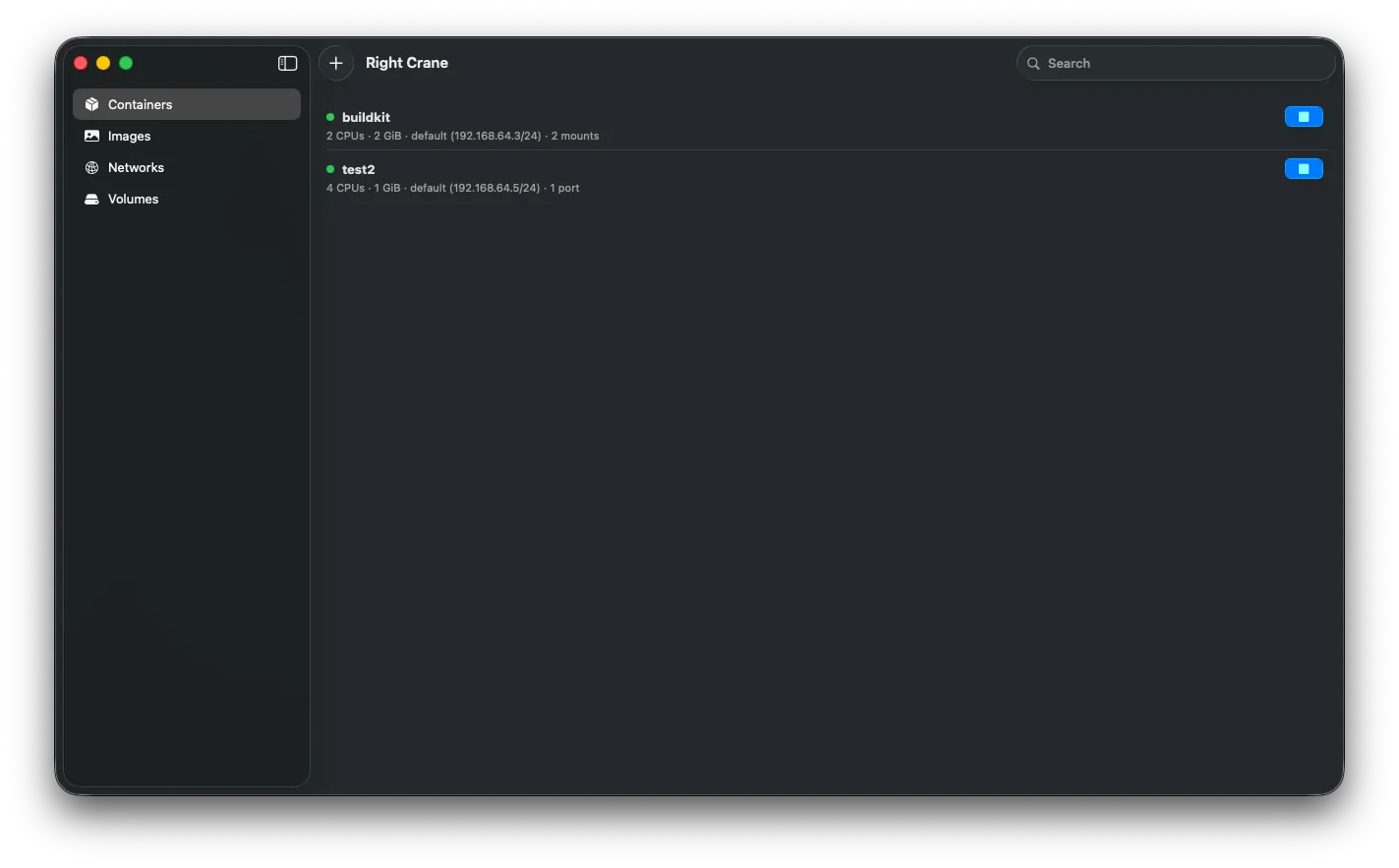
Container Management
View, start, stop, and monitor all your containers from a clean, organized dashboard. Each container displays essential details at a glance — CPU allocation, memory, network, mounts, and ports.
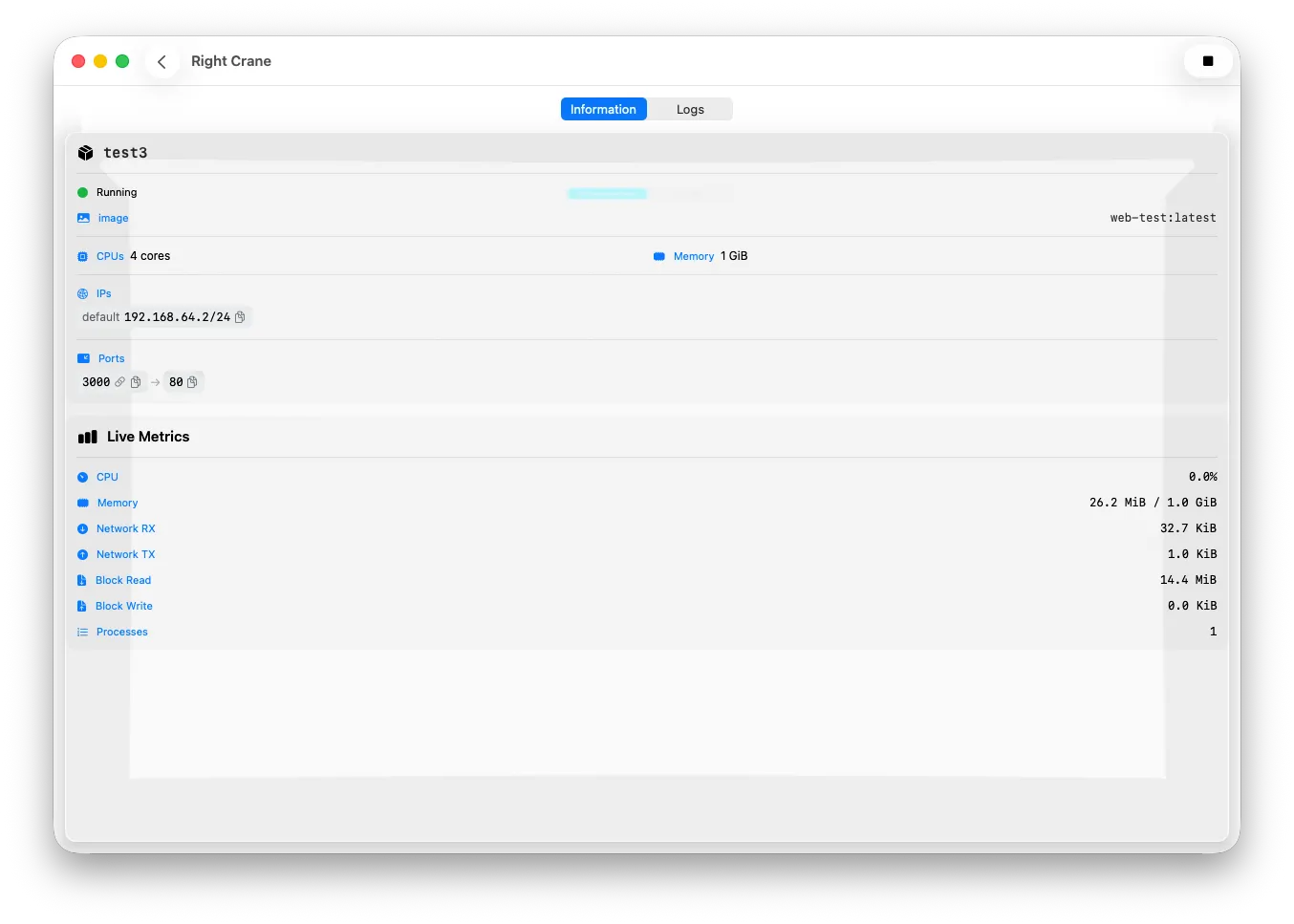
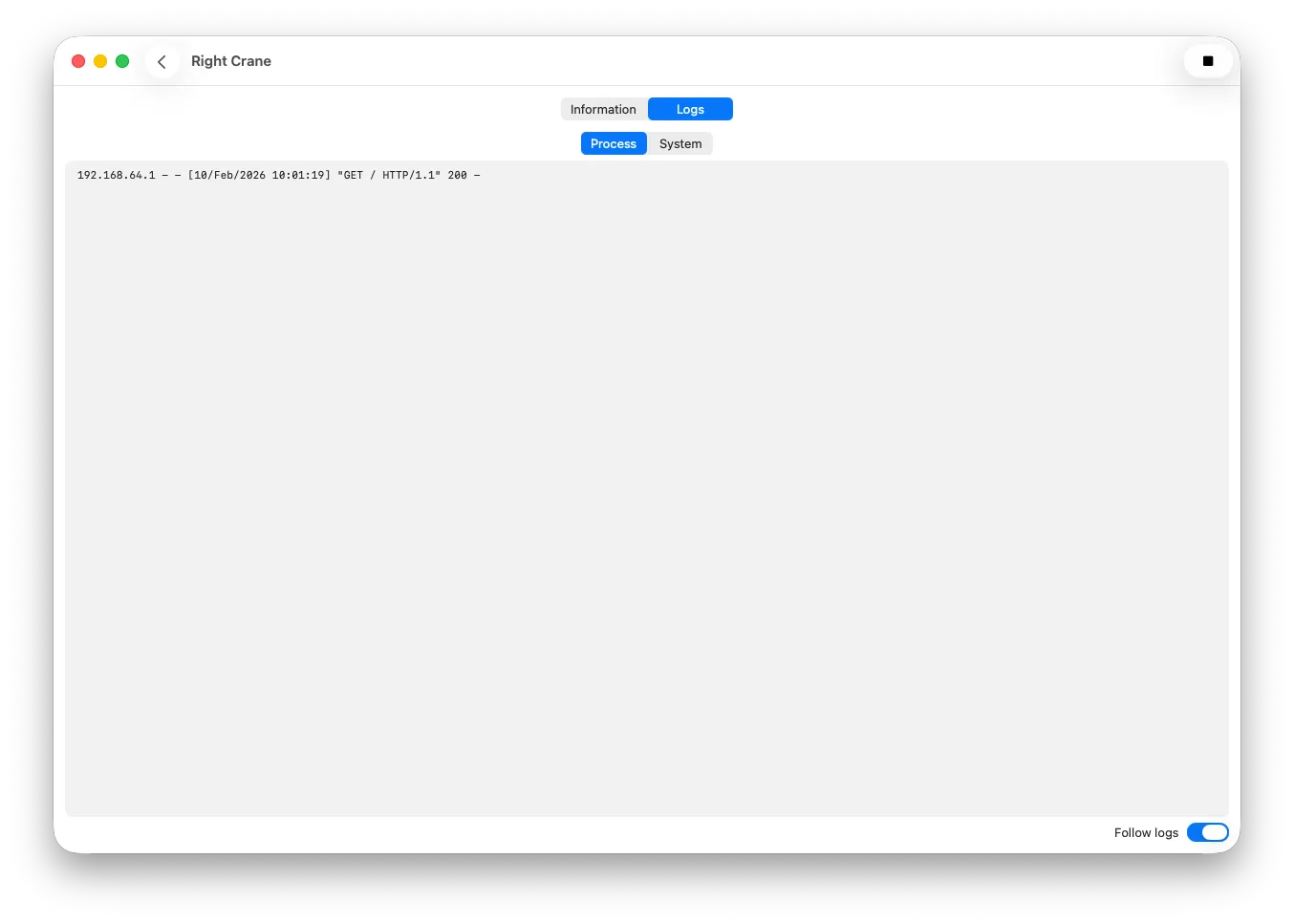
Drill into any container to see detailed information and live metrics including CPU usage, memory consumption, network I/O, block read/write, and process count — all updating in real time. Switch to the Logs tab to stream container output in real time — debug issues, trace requests, and monitor behavior without ever opening a terminal.
Run Containers with Ease
Launch new containers through a straightforward dialog. Configure everything visually:
- Image selection from your local image library
- Container name and auto-remove on stop
- Process settings — command, environment variables, working directory, user, and TTY allocation
- Network configuration with one click
No need to remember long CLI flags. Just fill in the fields and hit Run.
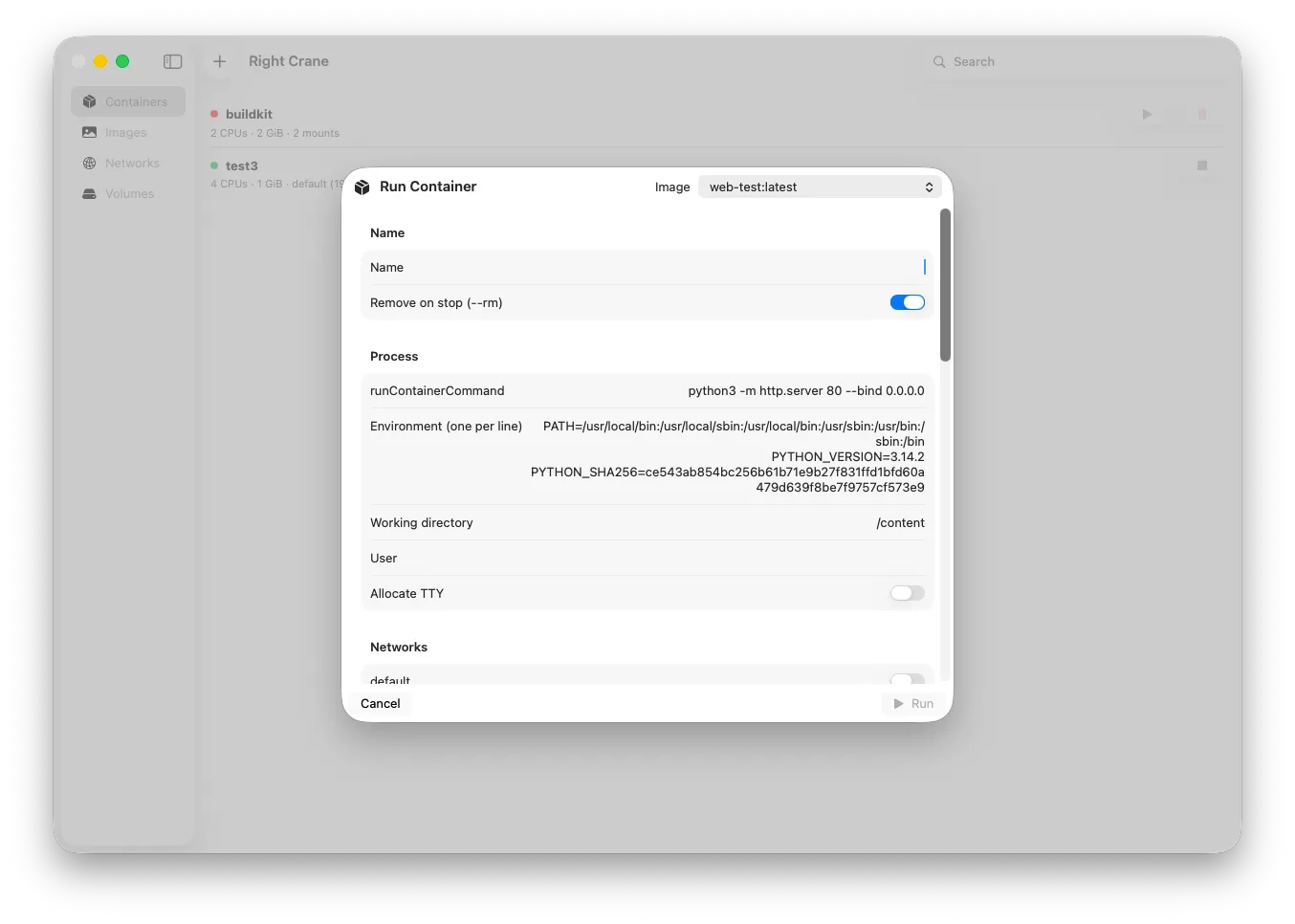
Image Management
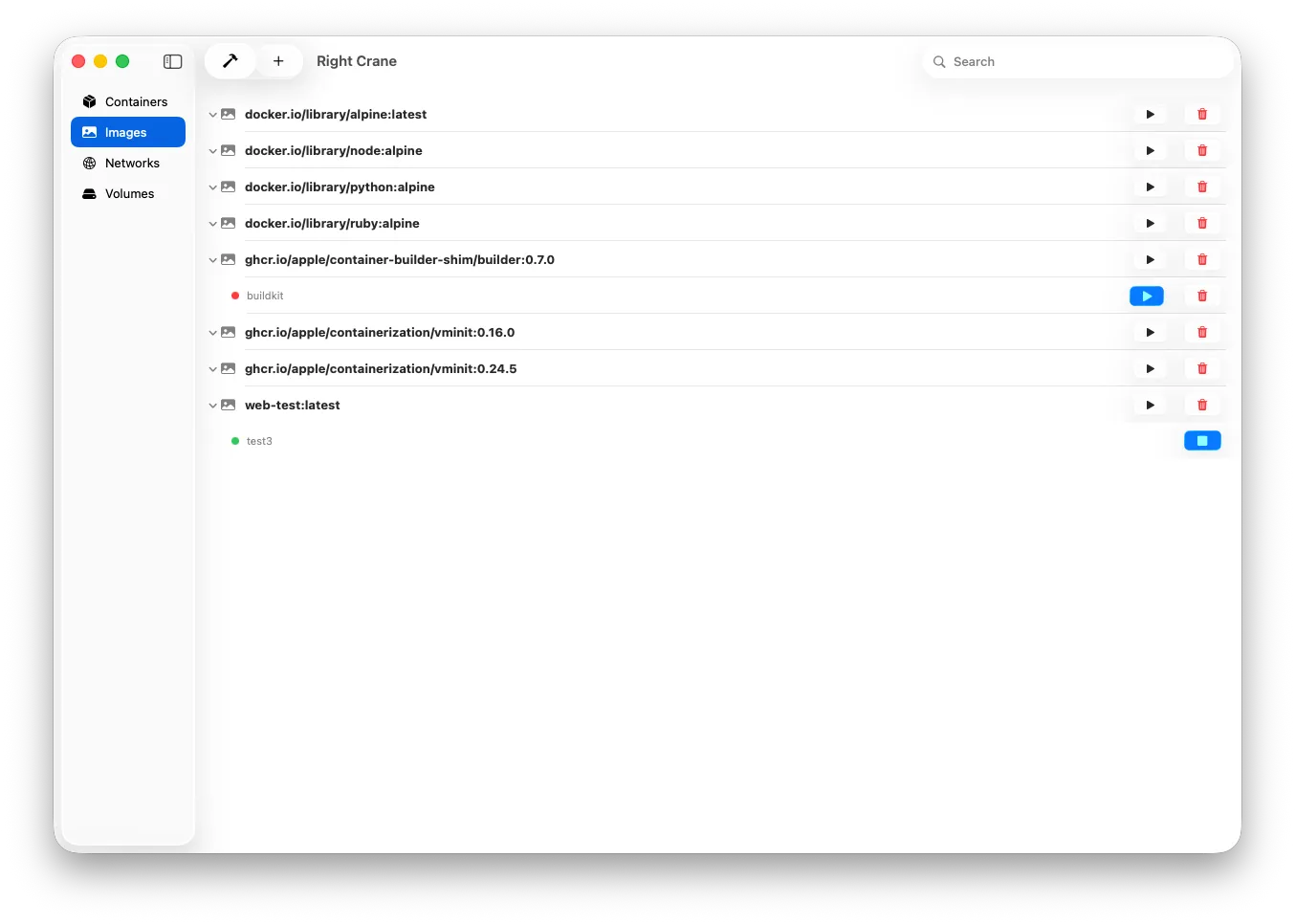
Browse your entire local image library in a hierarchical view. Right Crane shows all your images — from Docker Hub pulls to Apple’s own containerization images — with associated containers nested underneath.
Quickly run, delete, or inspect any image directly from the list.
Build Images
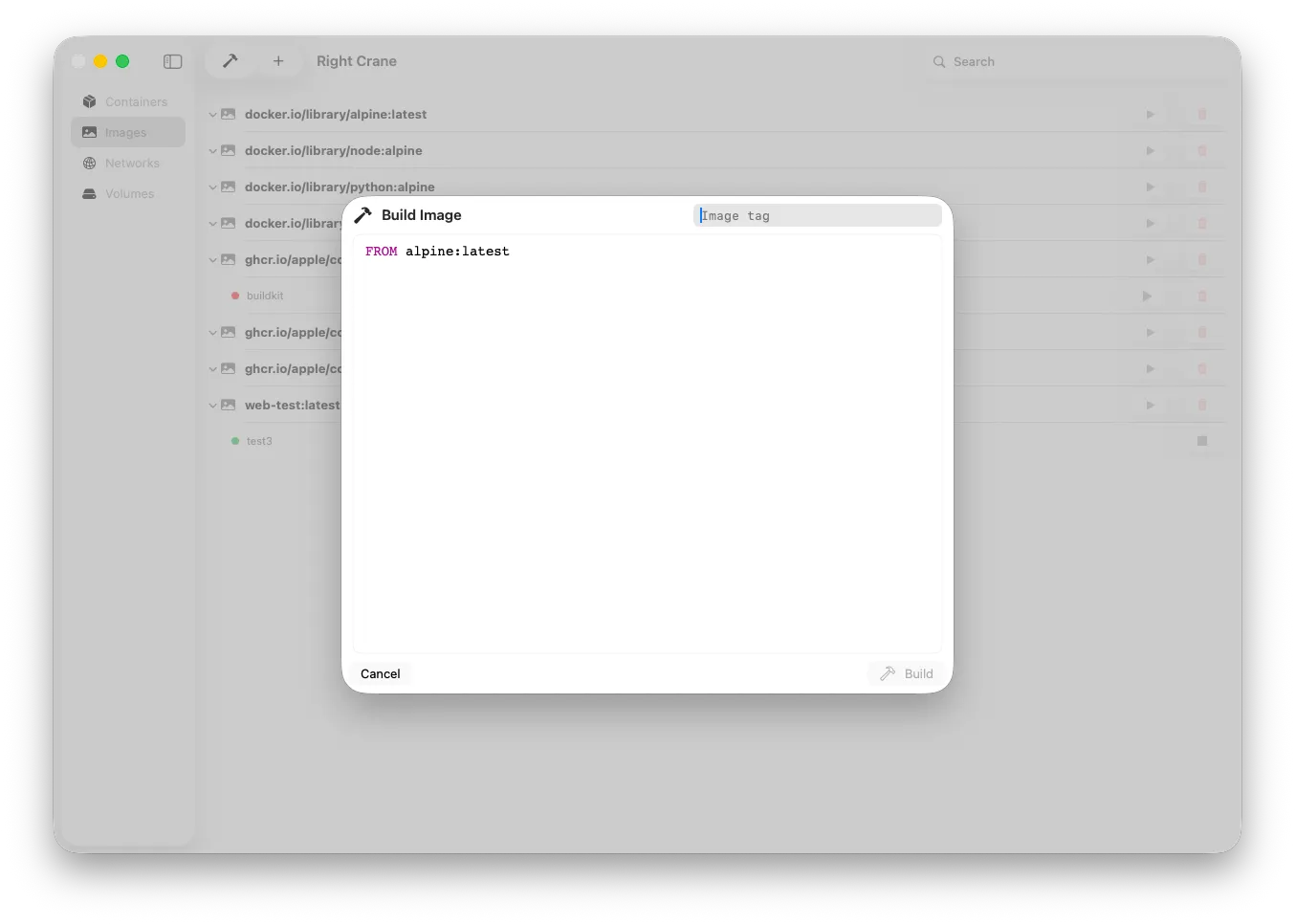
Write Dockerfiles and build images directly within Right Crane. The built-in editor provides a clean, focused workspace with syntax highlighting. Tag your images and build — all without leaving the app.
Pull Images
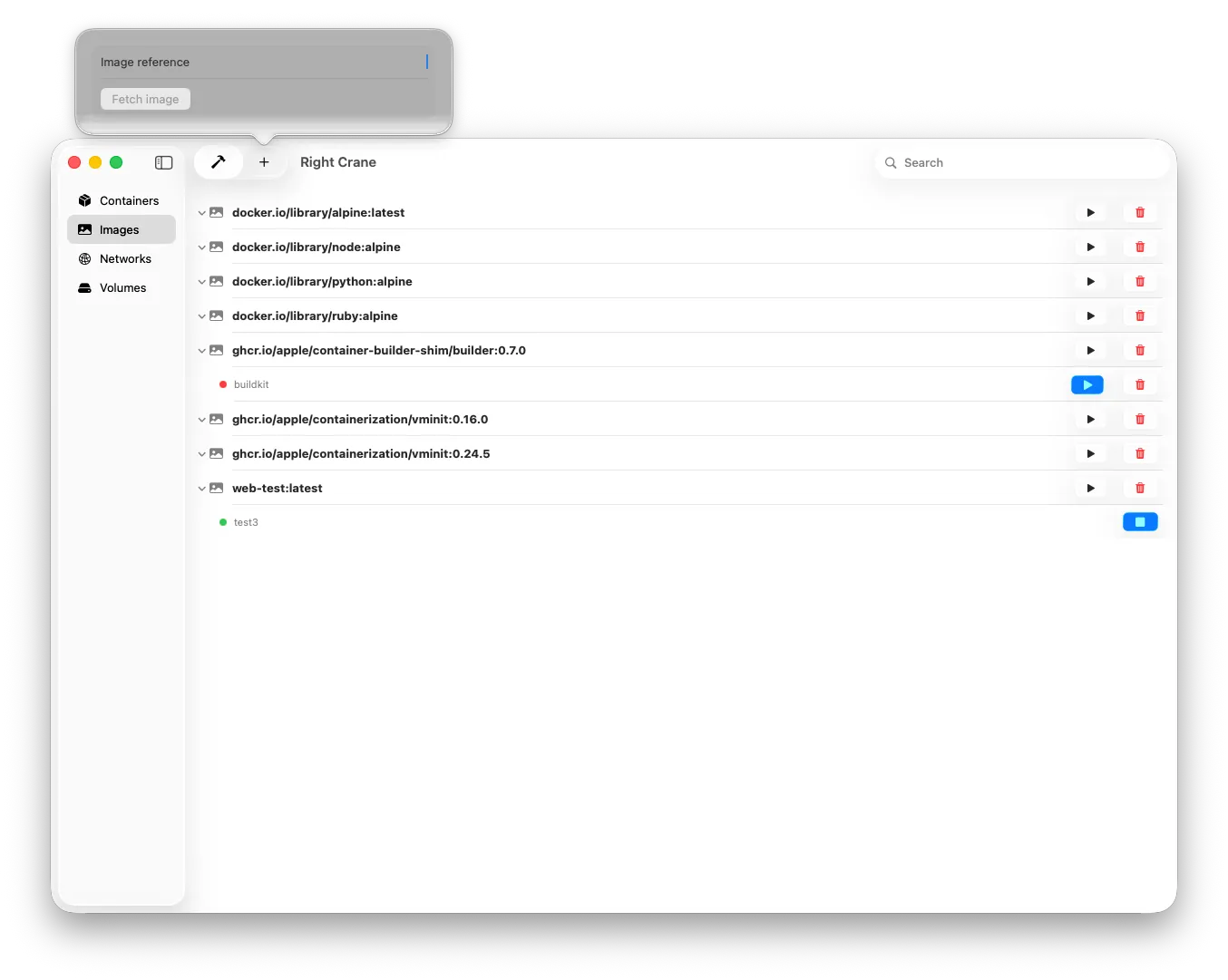
Fetch images from any registry by entering an image reference. Simple, fast, and integrated into the sidebar for quick access.
Network Overview
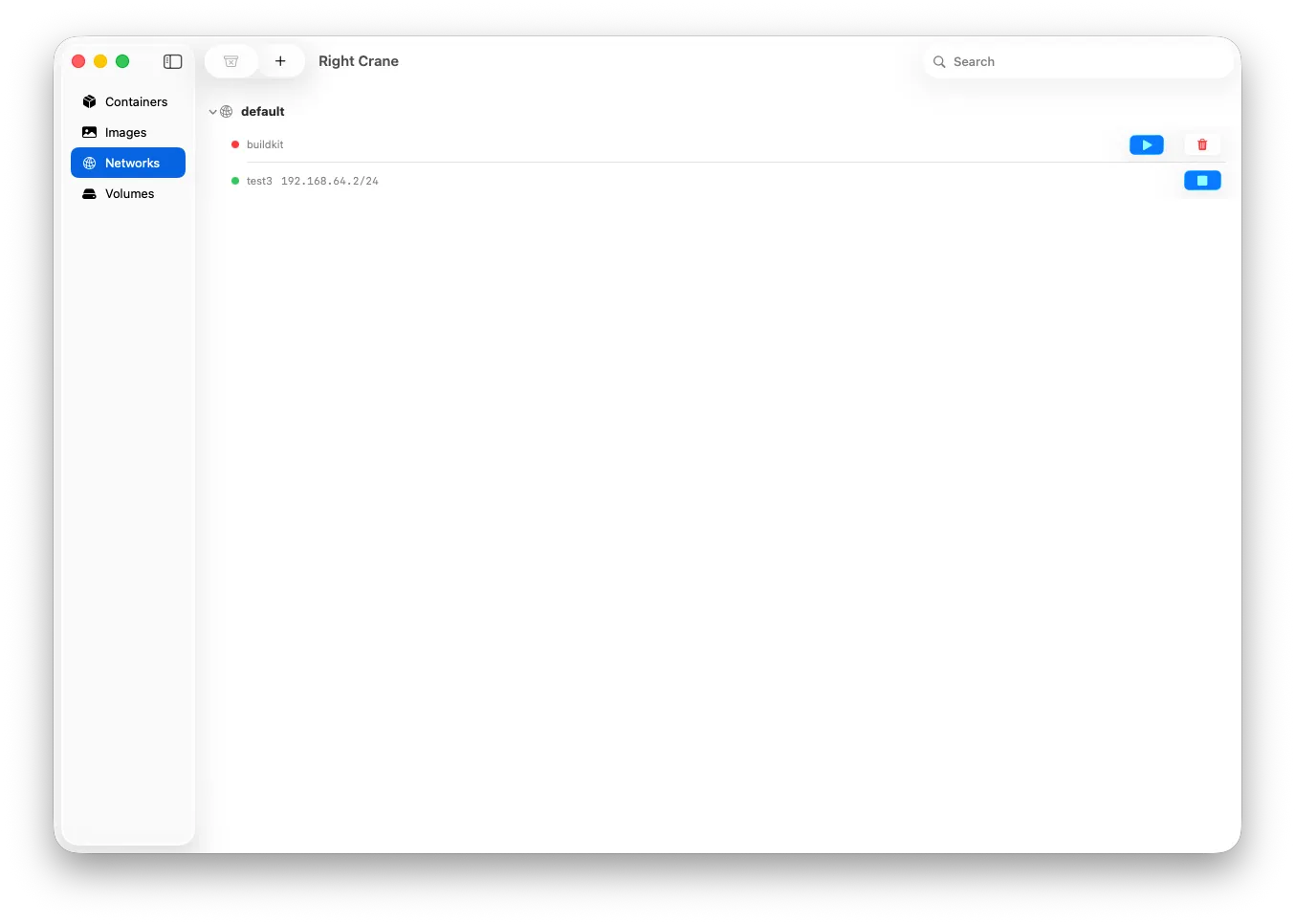
Visualize your container networks and see which containers are connected, along with their IP addresses. Start, stop, or remove containers directly from the network view.
Key Features
- Native macOS app — built with SwiftUI for Apple Silicon
- Light and dark mode — automatically matches your system appearance
- Container management — create, start, stop, and remove containers
- Live metrics — real-time CPU, memory, network, and disk monitoring
- Logs monitoring — stream container logs in real time for debugging and observability
- Image library — browse, run, build, pull, and delete container images
- Dockerfile editor — build images with an integrated editor
- Network management — view networks and connected containers
- Volume management — full access to your container volumes
- Search — quickly find containers, images, and networks
- Sidebar navigation — organized access to Containers, Images, Networks, and Volumes
Why Right Crane?
Apple Containers bring lightweight, native containerization to macOS — but they lack a graphical interface. Right Crane fills that gap with a polished, purpose-built app that makes container management accessible, visual, and efficient.
Whether you’re a developer running local services, testing container builds, or managing multi-container setups, Right Crane puts everything at your fingertips.